
Common Reasons You're Unable to Login to The School Website
- Incorrect username/password: Ensure you're using your first.last and your Veracross password.
- Loading error when logging in: Delete your browser's cookies/cache or try another web browser.
If you're still unable to login, follow the steps below to reset your Veracross password and login.
1. Go to kinkaid.org/login.
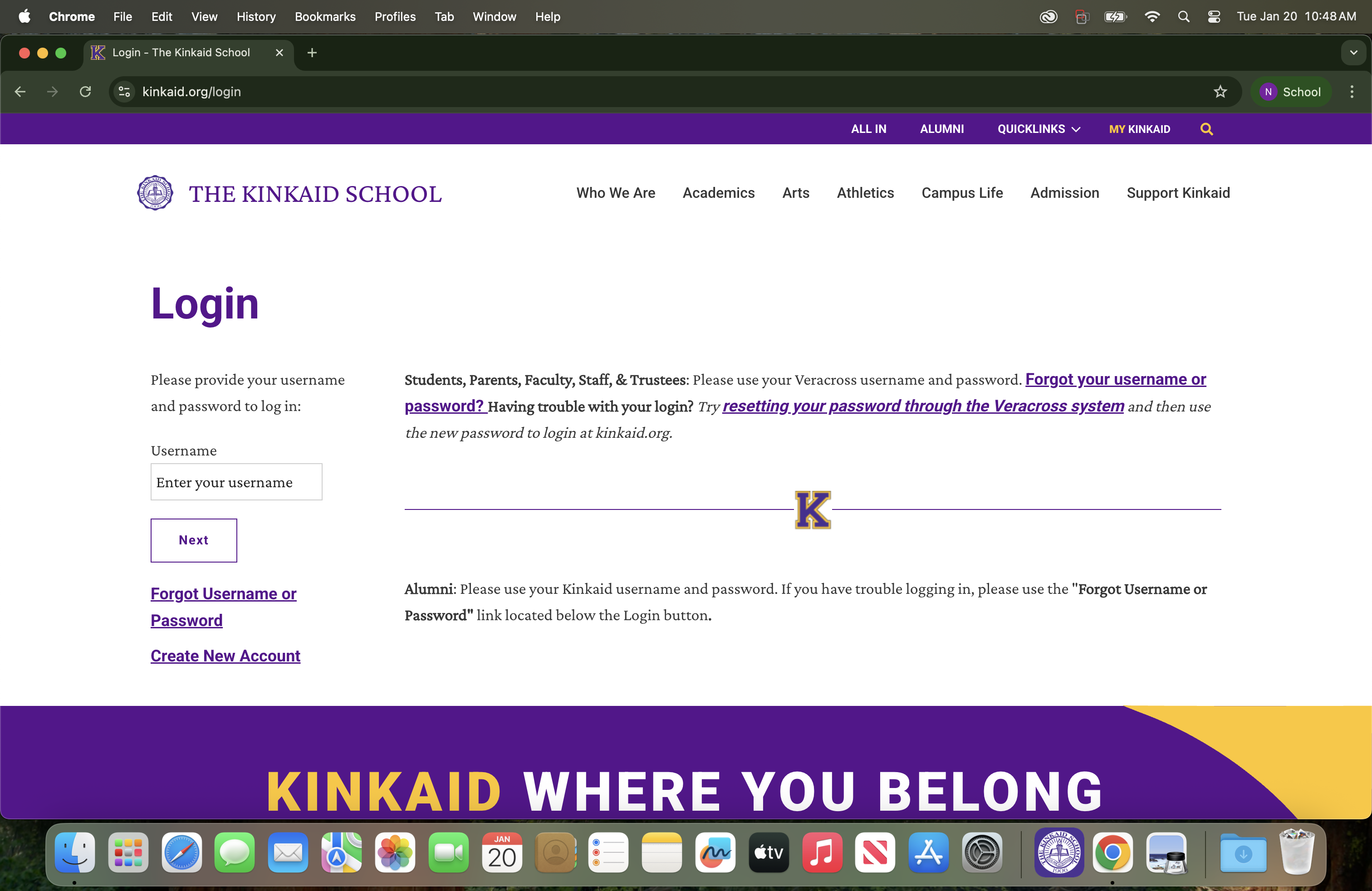
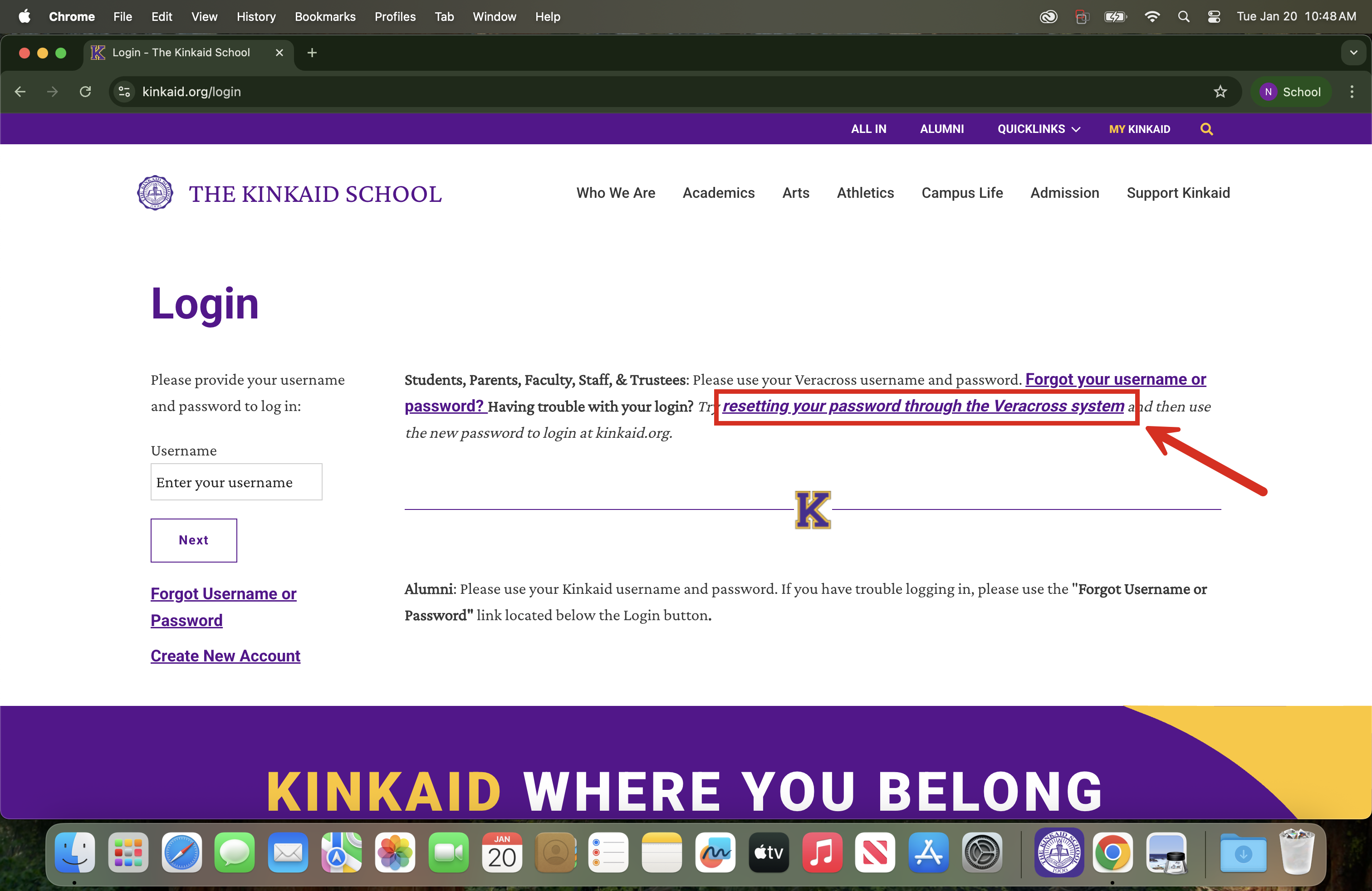
2. Select the 'resetting your password through the Veracross system.'
- If you've never set one up or don't remember it, click on this link: https://accounts.veracross.com/kinkaid/accounts/forgot_password.
3. Enter your email address and then follow the prompts once you receive an email from Veracross.
Still having issues? Please email us at helpdesk@kinkaid.org