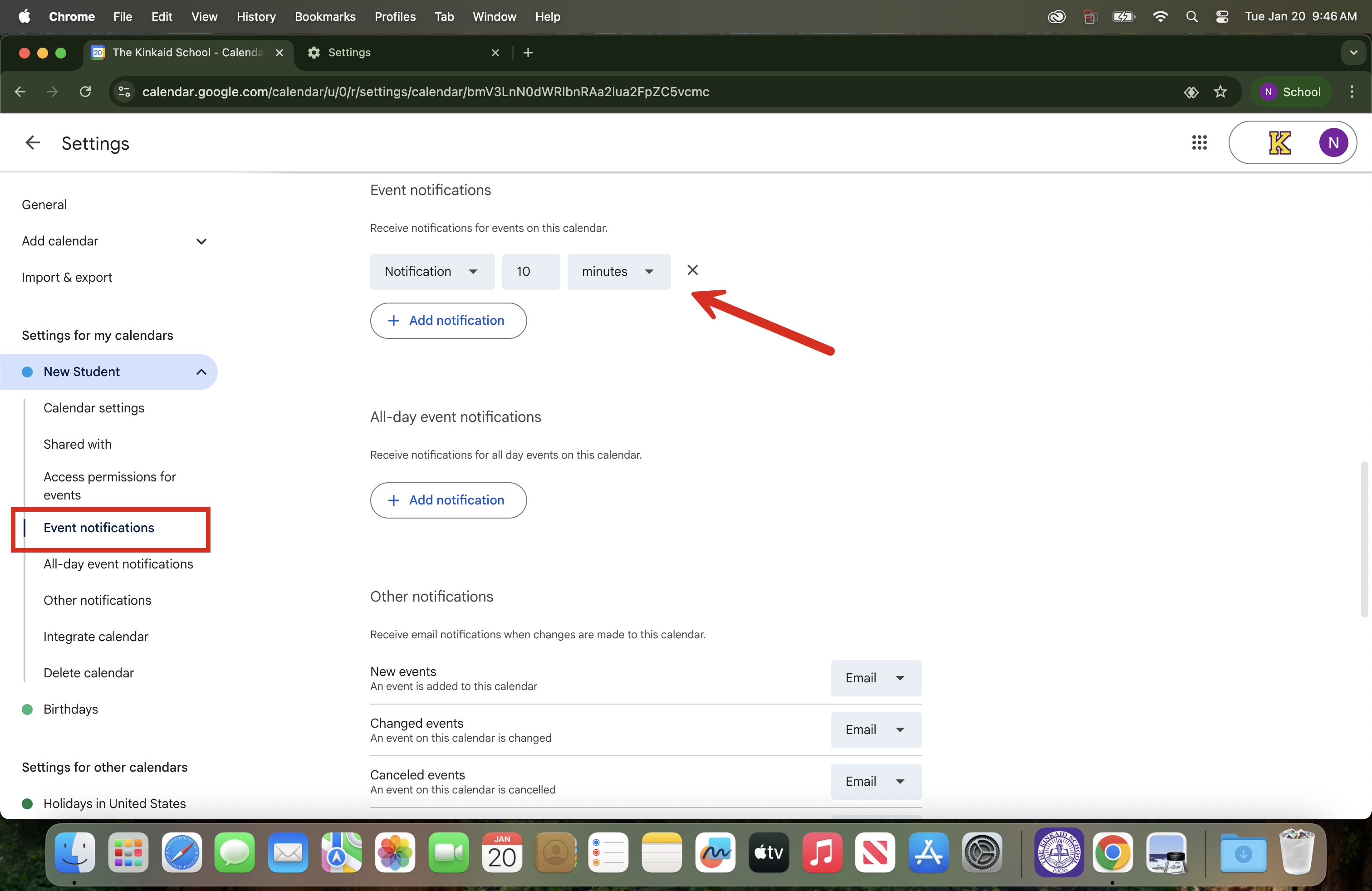
Common Reasons Your Calendar Notifications Are Not Working as Expected
Event-level notifications are overriding your default notification settings: Check
Browser notifications are blocked for Google Calendar: Check your browser settings.
Your device's notifications are disabled: Check your audio settings.
If you need to review or modify your Google Calendar notifications, follow the steps below.
1. Open Google Calendar in Chrome.
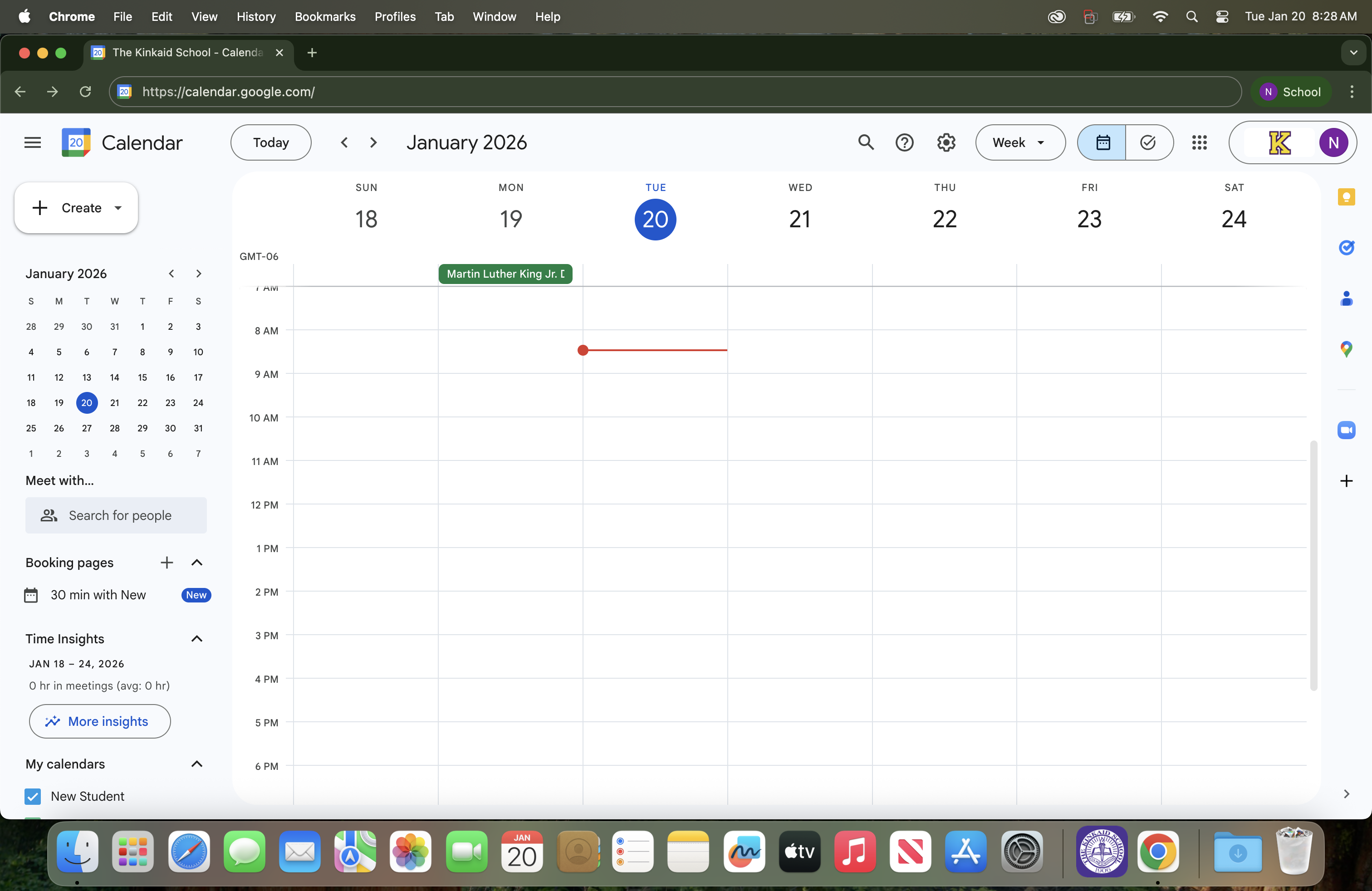
2. Open Calendar Settings.
In the top-right corner, click the Gear icon (Settings).
Select Settings.
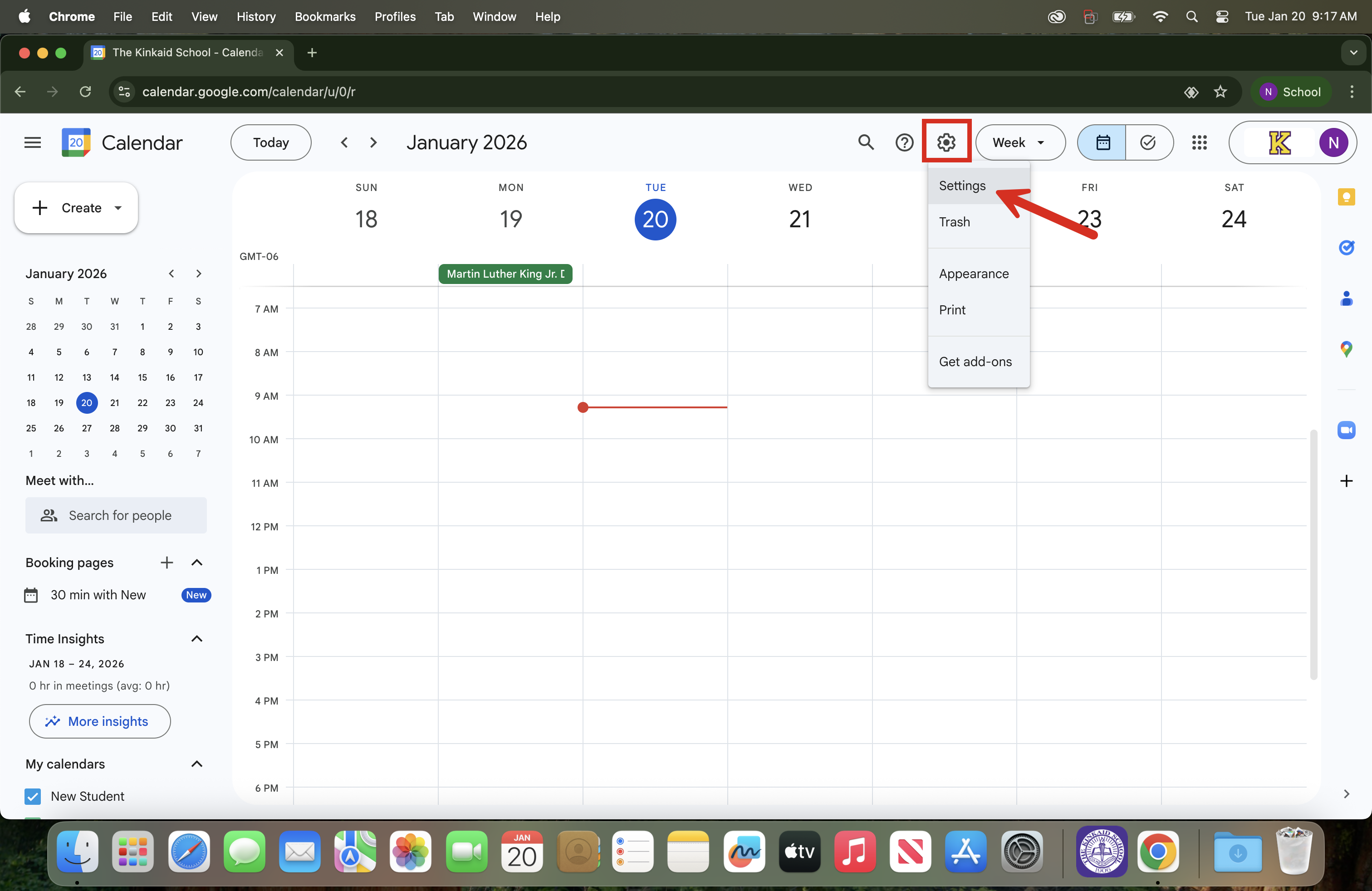
3. Choose the Calendar You Want to Modify.
On the left side, scroll to Settings for my calendars.
Click the calendar you want to adjust ("New Student" will be your calendar name, instead).
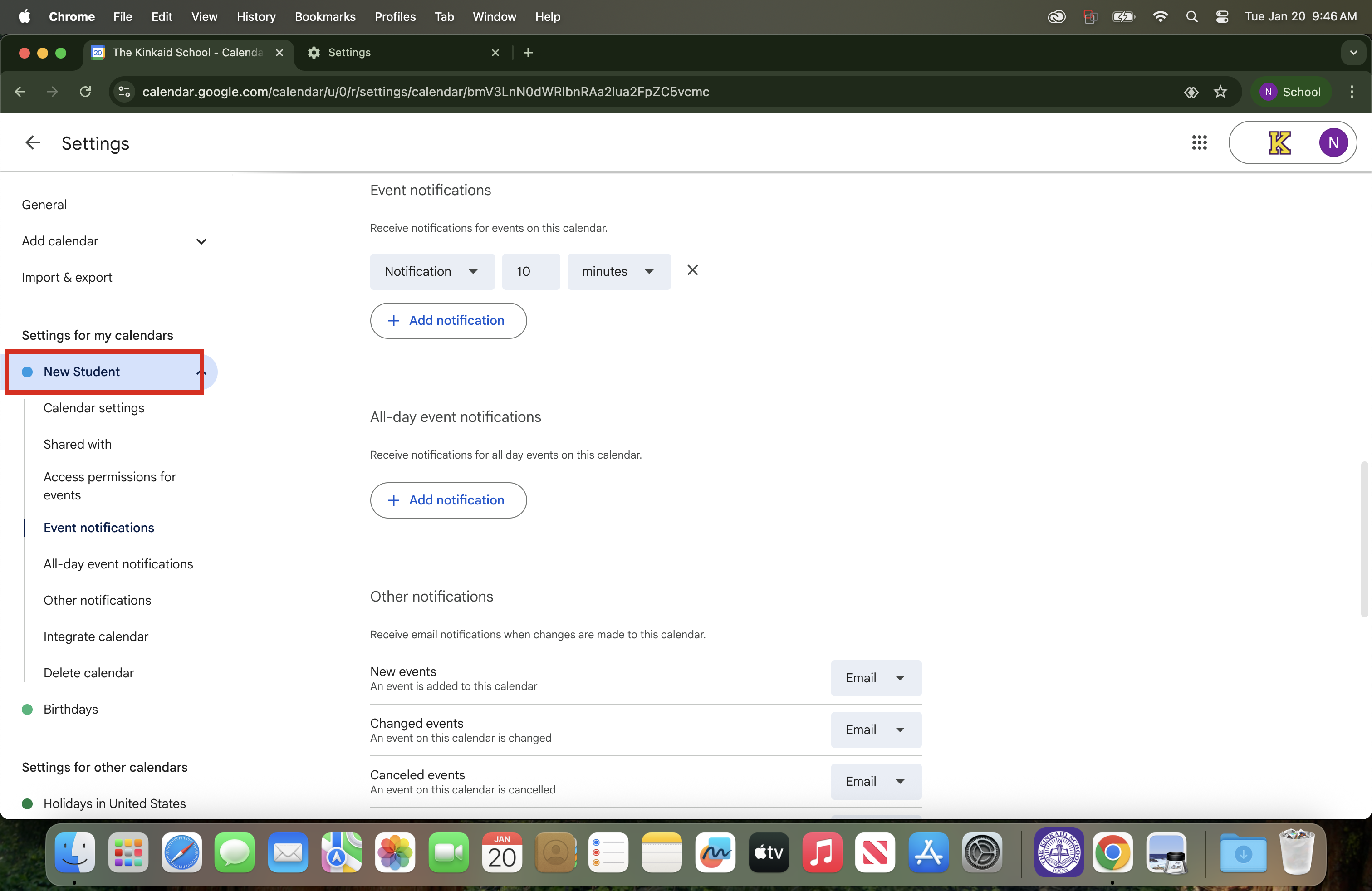
4. Change Event Notifications.
Scroll to Event notifications.
Adjust the default notification (example: “10 minutes before”).
To add more notifications, click Add notification.
To remove a notification, click the X next to it (if shown).