
Common Reasons Unconnected to Kinkaid_Guest Wi-Fi
- Wi-Fi is disabled: Make sure your Wi-Fi is enabled.
- Incorrect password: Slow down and double-check the spelling of the password.
- Device needs to be restarted: Restart your device.
Please remember that the Kinkaid_Guest is for personal devices only - do not connect your Kinkaid-issued laptop or iPad to this network. If you want to connect to the Kinkaid network, please follow these steps instead: Kinkaid Secure WiFi
You can connect to the new Kinkaid_Guest network using the QR code below.
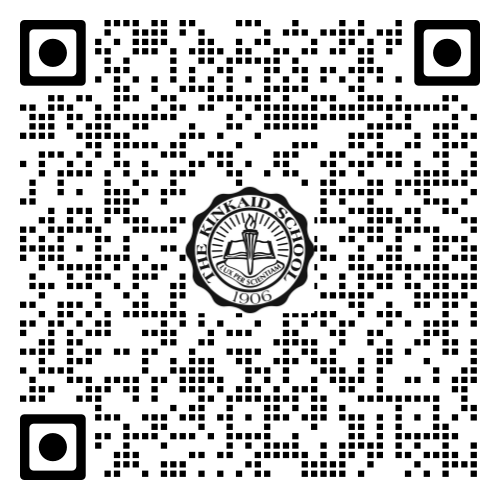
Once scanned, it will prompt to join the guest network. If your device can’t scan QR codes, you may connect manually using this password (it is case-sensitive): HonestyRespectKindnessResponsibility
If you are still experiencing issues connecting to Kinkaid_Guest, follow the steps below.
1. Ensure your Wi-Fi is toggled on.

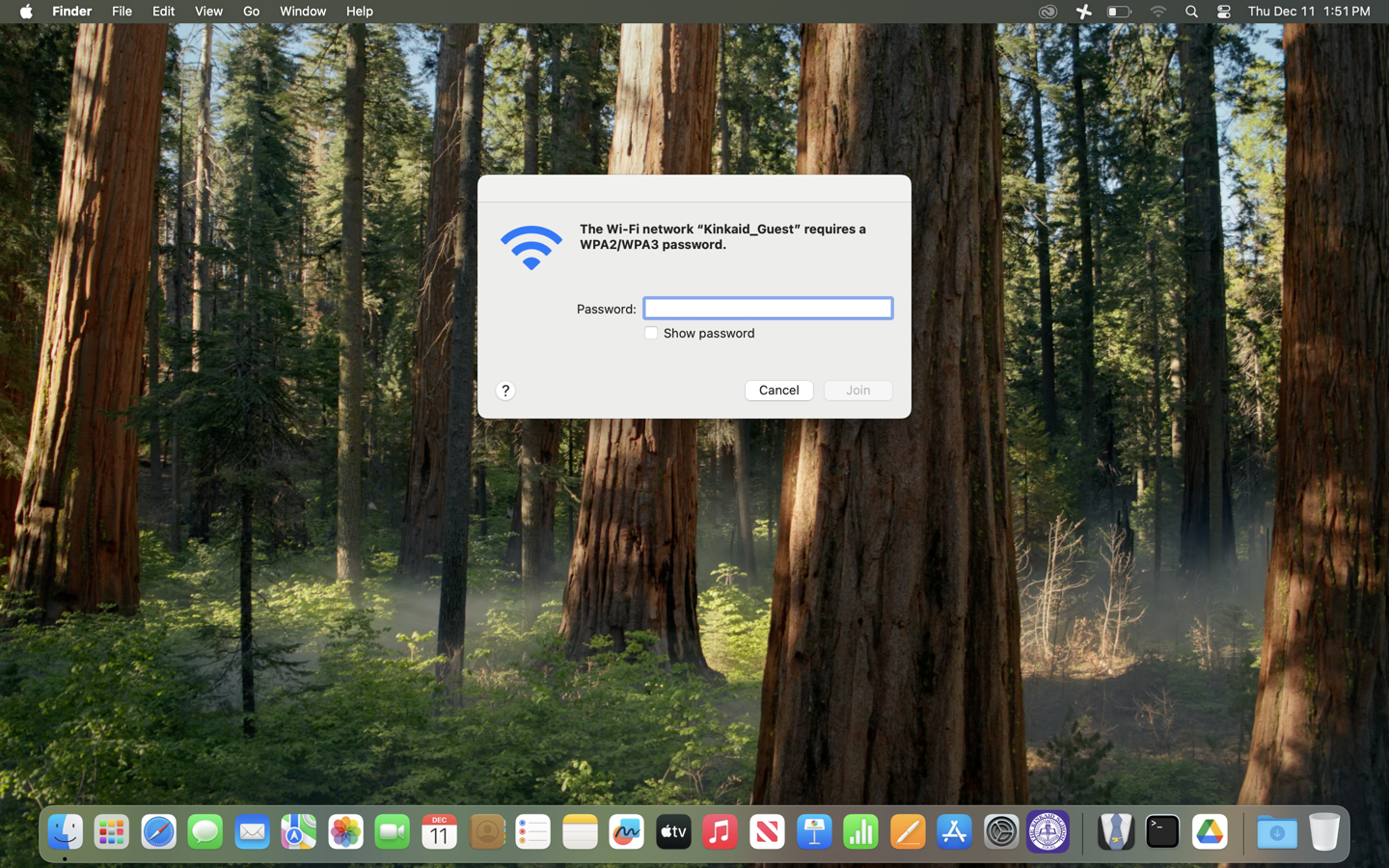
2. Select the Kinkaid_Guest network.
- If prompted for a password, ensure it is typed correctly (it is case-sensitive): HonestyRespectKindnessResponsi
bility
Still having issues? Please email us at helpdesk@kinkaid.org