
Common Reasons To Restart or Shut Down Your Computer
- Computer is running slow(er): Restart your computer to refresh system resources.
- Applications aren't working properly: Restart your computer to improve network and application stability.
- Storing your computer for a prolonged time: Shut down your computer to preserve battery.
If you have not restarted your computer in over a week, follow the steps below to restart or shut down your computer.
1. Navigate to the Apple Menu in the top-left corner.
- Select 'Restart' or 'Shut Down.'

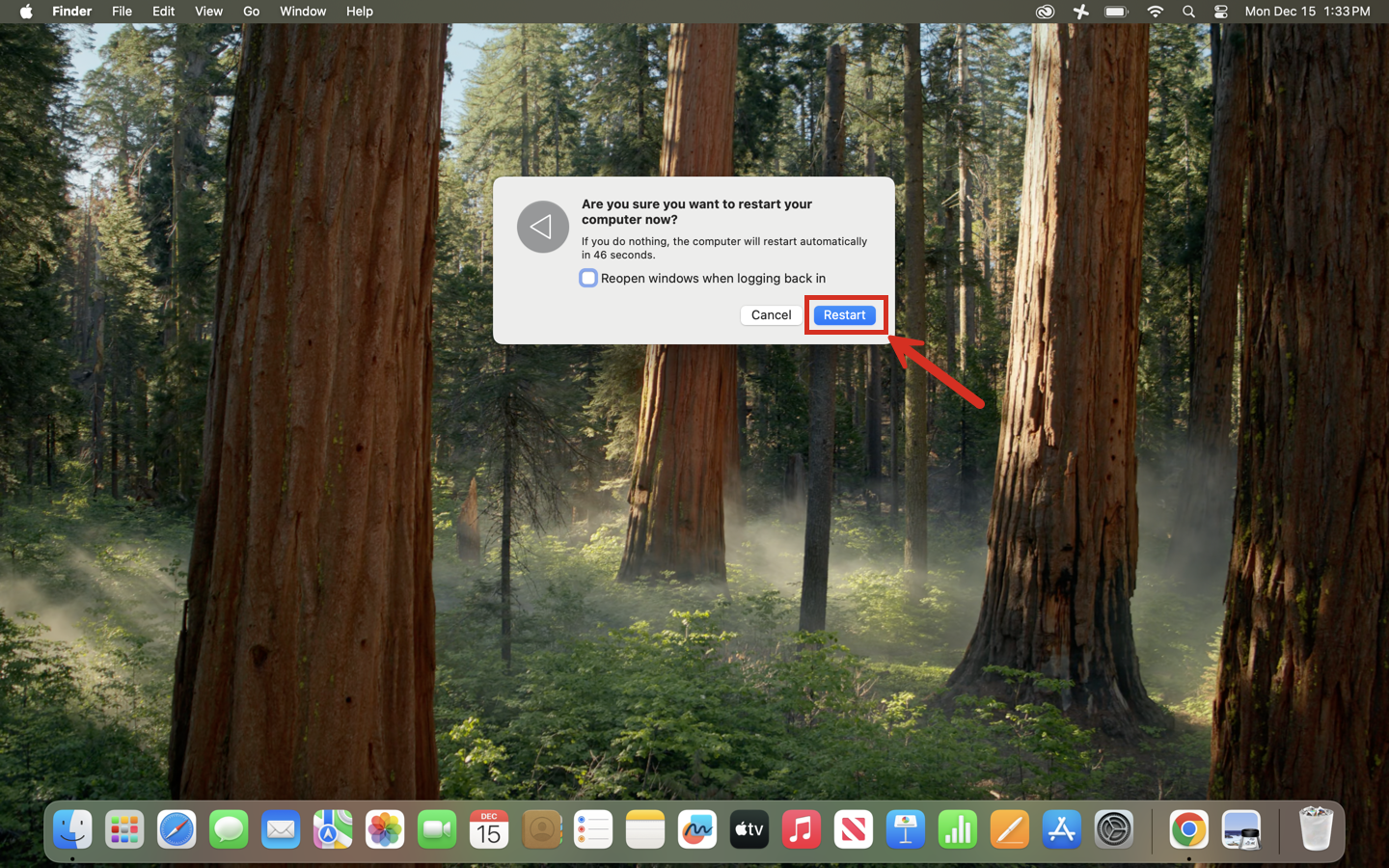
2. Be sure to confirm your selection.
- It is recommended to uncheck 'Reopen windows when logging back in,' if you're experiencing issues with an application not working.
Still having issues? Please email us at helpdesk@kinkaid.org